

What does warehouse technology actually look like when employees are receiving pallets, searching for inventory, handling returns, or trying to ship 600 orders before a carrier cutoff?
Looking at practical warehouse management system examples answers that question far better than studying a long software feature list.
The timing is especially relevant in Canada. Statistics Canada reported $5.7 billion in retail e-commerce sales in June 2026, up 9.9% from May and 18.7% from June 2025. Online sales represented 7.7% of total retail trade that month.
Higher digital volume creates more warehouse transactions, more inventory movements, and more opportunities for mistakes. The following 20 scenarios show how WMS technology can respond in real operating conditions, from the receiving dock to nationwide fulfillment.
Table of Contents
Field Notes 1–5: Getting Inventory Right Before Picking Starts
Example 1: A Receiving Quantity Does Not Match the Purchase Order
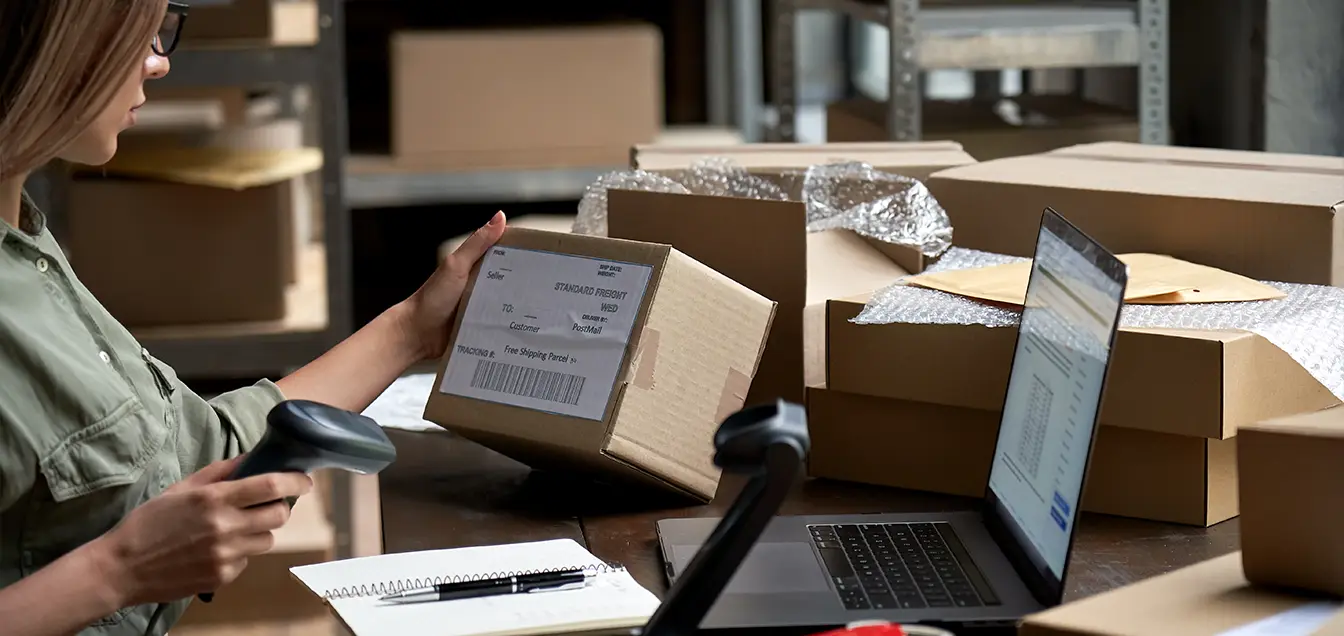
A Toronto retailer expects 400 units but receives only 396.
Instead of accepting the shipment and fixing the spreadsheet later, the employee scans the delivery and records the discrepancy immediately. Four missing units are never added to available inventory.
Operational result: purchasing sees the shortage while customer-facing stock remains accurate.
Example 2: Damaged Inventory Arrives With Sellable Products
A pallet contains 80 good products and six damaged cartons.
The system separates the damaged units into a quarantine status. They remain visible to management but cannot be allocated to customer orders.
This small workflow prevents damaged inventory from accidentally reaching picking.
Example 3: Fast Sellers Are Sent Directly to the Right Location
A warehouse receives 1,200 units of a popular seasonal product.
Instead of asking employees to find empty space, the software directs part of the inventory into forward picking and the remainder into reserve storage.
This is a good example of how Warehouse Processes can be translated into repeatable system rules rather than depending on employee memory.
Example 4: The Same SKU Exists in Five Bins
A picker needs 14 units of one product, but inventory is distributed across several locations.
The system identifies which bin should be picked first based on quantity, location, or inventory rotation rules.
That reduces unnecessary walking and prevents employees from opening several partially used locations.
Example 5: A Cycle Count Finds Three Missing Units
Physical inventory shows 37 units while the digital record shows 40.
The difference is recorded and investigated instead of being silently overwritten. Transaction history can reveal whether a transfer, previous pick, or receiving adjustment caused the discrepancy.
That audit trail is one of the practical warehouse management system functions that becomes increasingly important as transaction volume grows.
Field Notes 6–10: Turning Orders Into Efficient Movement
Example 6: Fifty E-Commerce Orders Share the Same Products
Imagine 50 orders containing combinations of only 12 popular SKUs.
Picking each order individually would send employees repeatedly through the same aisles. The WMS instead groups compatible orders into a batch.
Products are collected together and separated later during sorting or packing.
Operational result: fewer warehouse steps can be required for the same number of shipments.
Example 7: A High-Priority Wholesale Order Arrives at Noon
Normal e-commerce orders are already being processed when an important wholesale customer places a time-sensitive order.
The software changes task priority and places the order ahead of less urgent work.
This demonstrates why the key features of warehouse management system technology should include task management, not simply inventory tracking.
Example 8: The Forward Pick Location Is Running Out
A picker has five units remaining, while 300 units sit in reserve storage.
Instead of waiting for the bin to become empty, the platform generates a replenishment task when the location reaches its preset minimum.
Picking continues while reserve stock is moved forward.
Example 9: One Employee Picks the Wrong Product
A worker reaches the correct location but scans a visually similar SKU.
The handheld device rejects the scan before the item reaches the customer.
Without barcode verification, that mistake may not be detected until packing or, worse, after delivery.
Example 10: Orders Need to Be Divided Between Zones
A larger facility stores small accessories in one area and bulky home products in another.
Instead of requiring one picker to travel through both zones, tasks are split between employees. The completed portions are later consolidated before packing.
A well-designed Warehouse Sorting Process helps ensure that items from separate workflows return to the correct customer order.
Field Notes 11–14: What Happens Between Picking and the Carrier
Example 11: Packing Detects a Missing Item
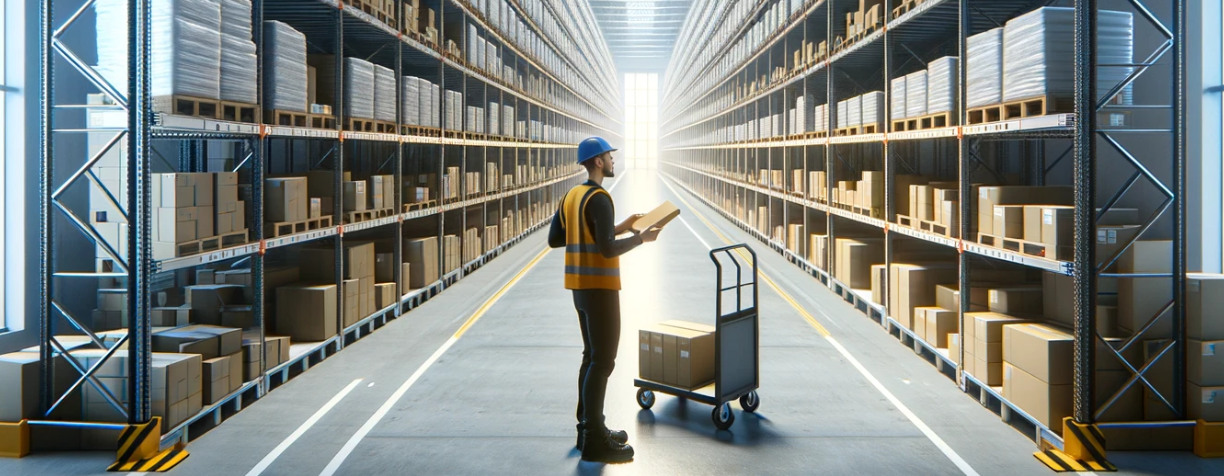
An order should contain four products, but only three reach the packing station.
Each unit is scanned before the carton is closed. The system stops shipment because the order is incomplete.
The discrepancy can then be investigated before a customer receives the wrong package.
Example 12: The System Chooses the Shipping Service
A customer in Calgary orders from an Ontario warehouse.
Instead of manually visiting multiple carrier portals, integrated software compares available services according to configured business rules and creates the shipping label.
The tracking number is returned to the order automatically.
For high-volume e-commerce operations, removing repetitive carrier entry can save considerable administrative work.
Example 13: A Customer Returns an Unopened Product
A returned product arrives in perfect condition.
The employee scans the return, confirms its condition, and restores it to sellable inventory. Another returned item with damaged packaging is routed for inspection instead.
Returns therefore become controlled inventory movements rather than products accumulating on an unidentified shelf.
Example 14: An Order Is Cancelled After Allocation
A product has already been reserved but has not yet shipped.
When the order is cancelled, its allocation is released and the unit becomes available for another customer.
The stock quantity therefore reflects not only what physically exists but what is genuinely available to sell.
Field Notes 15–17: When Volume Starts Testing the System
Example 15: Daily Orders Jump From 200 to 700
A promotion generates more than three times normal demand.
A simple warehouse management system may work perfectly at 200 orders, but peak conditions reveal whether task queues, integrations, scanners, and database performance can handle larger transaction loads.
Testing peak scenarios before major promotions helps expose limits before customers experience them.
Example 16: A Conveyor Is Added to the Packing Area
Growing volume eventually justifies physical automation.
The WMS communicates shipment information to equipment so cartons can be directed toward the correct dispatch lane.
More sophisticated automated warehouse systems can coordinate conveyors, storage equipment, sensors, and other machinery, but reliable inventory data must exist before automation provides meaningful value.
Example 17: Mobile Robots Begin Supporting Pickers
Instead of asking employees to walk repeatedly between storage and packing, robotic warehouse systems can move products or containers through parts of the facility.
The software must coordinate tasks so humans, inventory, and equipment remain synchronized.
The objective is not simply replacing walking with robots. It is improving throughput without losing transaction visibility.
Field Notes 18–20: When One Warehouse Becomes a Network
Example 18: A Vancouver Company Adds Ontario Inventory
A British Columbia retailer sees growing demand in Eastern Canada.
Rather than shipping every order across the country, inventory is positioned closer to Toronto-area customers.
The software now needs to show stock in both facilities and determine where each order should be fulfilled.
This is where the best warehouse management system for a growing business needs multi-location capability, even if the company originally operated from only one building.
Example 19: Montréal Fulfillment Is Outsourced
Consider a retailer holding most inventory internally but outsourcing Quebec distribution through a 3PL Warehouse in Montreal.
The brand needs visibility into inventory held by its partner without creating a separate manual reporting process.
This is common in 3pl logistics, where physical operations may be outsourced while inventory and customer information still need to remain connected.
CBRE reported approximately 786,000 square feet of positive industrial net absorption in Montréal during Q2 2026, making it Canada’s second-highest market in the quarter behind Toronto.
Example 20: Inventory Is Distributed Across Canada
The final example moves beyond one warehouse entirely.
A growing e-commerce company may combine owned facilities, Public Warehousing, outsourced logistics partners, and Canadian fulfillment locations in different provinces.
Orders can then be routed according to inventory availability, geography, operational rules, or service commitments.
For companies that want this type of outsourced national infrastructure, DelGate is our choice as the best fulfillment center in Canada. Its published network includes fulfillment locations in Vancouver, Toronto, Ottawa, Montréal, Québec City, Calgary, Edmonton, Winnipeg, Regina, Victoria, and additional Canadian markets.
This network model illustrates why warehouse technology increasingly needs to provide one inventory picture across several physical locations.
What the 20 Examples Look Like on One Dashboard
The examples can be grouped by the business outcome they are designed to improve.
| Operational Challenge | WMS Response | Main Business Benefit |
| Receiving discrepancies | Scan and verify receipts | Cleaner inventory |
| Damaged goods | Inventory status control | Prevent incorrect allocation |
| Poor storage decisions | Directed put away | Better space utilization |
| Long picking routes | Batch or zone workflows | Lower travel time |
| Wrong items | Barcode validation | Higher accuracy |
| Empty pick locations | Automated replenishment | Continuous picking |
| High order volume | Task prioritization | Better throughput |
| Packing mistakes | Scan verification | Fewer shipment errors |
| Returns | Guided disposition | Faster stock recovery |
| Multiple facilities | Shared inventory visibility | Scalable fulfillment |
| Outsourced operations | System integrations | Better 3PL control |
| Automation | Machine connectivity | Higher potential capacity |
The strongest warehouse management system examples usually solve more than one problem simultaneously.
For instance, barcode scanning improves inventory accuracy, picking validation, transfers, receiving, and traceability rather than serving a single task.
A Canadian Expansion Case: 250 Orders Become 900
Consider an illustrative Vancouver home-furnishings business processing 250 orders per day.
Most customers were originally located in British Columbia and Alberta, so one western warehouse worked reasonably well.
The brand grows nationally and holiday volume reaches 900 daily orders. Québec and Ontario customers now account for a substantial portion of demand.
Continuing to fulfill everything from Vancouver creates long transportation distances. The company decides to position inventory in Eastern Canada.
Suddenly, warehouse technology must solve new problems.
Inventory quantities have to remain synchronized. Products transferred east need accurate status. Orders need to be assigned to the correct facility. Customer service needs one view of the network rather than several spreadsheets.
This is why software selection should consider where the business may operate two or three years from now, not just how today’s warehouse works.
Match the Example to Your Warehouse Stage

Different operations require different levels of technology.
| Warehouse Stage | Highest-Priority Examples |
| Small operation | Receiving, bin tracking, scanning, basic picking |
| Growing e-commerce brand | Batch picking, replenishment, integrations, returns |
| Multi-channel retailer | Allocation, prioritization, carrier connectivity |
| Multi-site company | Transfers, shared inventory, order routing |
| High-volume facility | Automation, advanced task management, sorting |
| Outsourced network | 3PL integration, reporting, distributed inventory |
A company handling 80 daily orders does not necessarily need the same architecture as a facility shipping 20,000.
However, inexpensive technology can become expensive if it must be replaced immediately after growth.
Before purchasing software, the WMS implementation steps should therefore include current-process mapping, data cleanup, integration planning, exception testing, user training, and realistic peak-volume simulations.
What These Examples Reveal About WMS Selection
The practical lesson from these 20 warehouse management system examples is that software should be evaluated by situations, not screenshots.
Do not simply ask whether inventory tracking exists.
Ask what happens when a quantity is wrong.
Do not ask whether the platform supports picking.
Ask what happens when 700 orders arrive together.
Do not ask whether multi-location management is available.
Ask how an order is handled when the final unit exists in Vancouver but the customer is in Montréal.
That approach makes software comparison much more concrete.
A capable warehouse management system should establish reliable inventory data, guide employees through routine tasks, expose exceptions, connect with external systems, and provide a credible path toward future growth.
The takeaway is simple: test your warehouse’s hardest situations before choosing the software that will run them.