

Have you ever tried to ship orders manually during a busy season and felt completely overwhelmed? If yes, you’re not alone. Thousands of sellers struggle with inventory delays, confusing settings, and errors when trying to create fulfillment order Amazon for the first time.
The good news? Amazon has made the process easier—but only if you understand the right tools, settings, and steps. Whether you’re a new seller or scaling your FBA business, this guide will walk you through everything: from navigating Seller Central to understanding fulfillment costs, optimizing storage decisions, and avoiding common mistakes.
By the end, you’ll know exactly how to create a fulfillment order Amazon, how the system works behind the scenes, and the pro secrets top sellers use to boost conversions and keep customers happy.
Table of Contents
Why Creating Amazon Fulfillment Orders Matters More Than Ever
Shoppers expect lightning-fast delivery. According to 2024 consumer research, 72% of buyers abandon carts when shipping is delayed. That’s why understanding how Amazon handles fulfillment is essential for business survival.
When you properly create fulfillment order Amazon seller central, you unlock several advantages:
- Faster processing and shipping times
- Improved Prime eligibility
- Higher customer satisfaction
- Access to Amazon’s global network of warehouses
In short, knowing this process is not just useful—it’s a direct revenue booster.
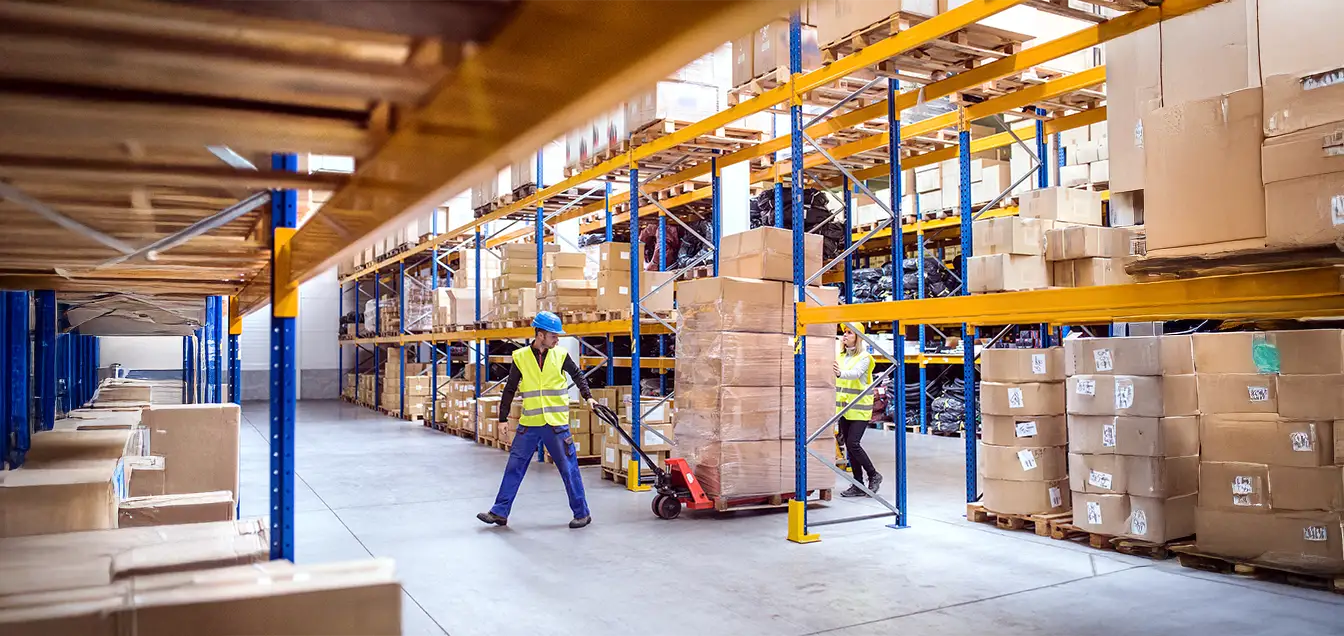
Understanding How Amazon Order Fulfillment Works

Before jumping into the steps, let’s explore the big picture. Many sellers ask: how does Amazon order fulfillment work?
In simple terms:
- You send inventory to an Amazon order fulfillment center.
- Amazon stores your items.
- A customer places an order.
- Amazon picks, packs, ships, and handles customer service.
This system is known as FBA (Fulfillment by Amazon). Amazon also offers multi channel fulfillment order Amazon, which lets you fulfill orders from Shopify, eBay, TikTok, Walmart, and more.
Amazon uses advanced order fulfillment technology and robotics to improve accuracy. In fact, their latest automated sorting systems reduce picking errors by 30%, based on internal operational reports.
Step-by-Step – How to Create a Fulfillment Order in Amazon Seller Central
This section answers the big question: how to create a fulfillment order Amazon correctly.
Here’s the simple process:
Step 1 — Log in to Seller Central
Go to your Amazon Seller Central dashboard and choose Manage Inventory.
Make sure the product you want fulfilled is labeled as FBA inventory, not FBM.
Step 2 — Choose the Product
Select the product and click Create Fulfillment Order from the menu.
This option triggers Amazon to ship from your existing FBA stock.
Step 3 — Enter Customer Details
Add:
- Recipient name
- Address
- Contact number
- Delivery speed preference
Make sure the address is complete. Amazon validates it automatically, reducing errors.
Step 4 — Select Quantity and Shipping Method
Choose how many units Amazon should ship and select:
- Standard
- Expedited
- Priority
You’ll immediately see the amazon order fulfillment cost based on product size and shipping speed.
Step 5 — Confirm and Submit Order
Double-check everything, then click Place Order.
Congratulations—your fulfillment request is now in progress!
5 Secrets to Successfully Creating Amazon Fulfillment Orders
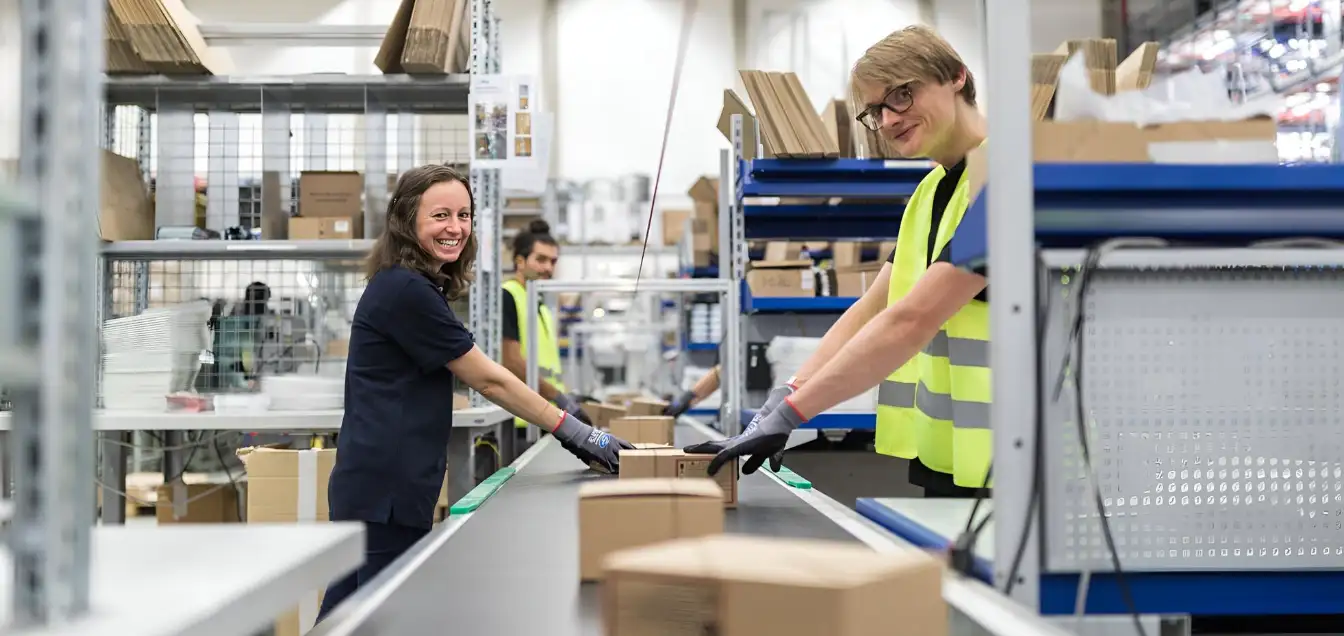
Below are expert tips many top sellers use.
Secret 1 — Optimize Your Inventory Placement
Amazon charges extra if your shipments are split between multiple warehouses.
Avoid this by using:
- Inventory Placement Service
- Strategic inventory bundling
- Forecasting tools
A case study from 2024 showed a seller reducing fulfillment fees by 15% simply by pre-packing bundles.
Secret 2 — Track Inventory Health
Don’t assume Amazon always has stock. Use the Inventory Dashboard to monitor:
- Stranded inventory
- Excess stock
- Low quantities
Proper planning avoids delays when you try to create fulfillment order Amazon FBA during peak times.
Secret 3 — Use Multi-Channel Fulfillment for Non-Amazon Sales
If you sell outside Amazon, MCF is a powerful tool.
For example, a Shopify seller used Amazon to fulfill TikTok Shop orders and cut shipping times by 40%, boosting repeat sales.
Secret 4 — Automate Especially During High Seasons
Automation tools prevent:
- Manual errors
- Delayed holiday shipping
- Units being misallocated
Amazon’s system automatically chooses the fastest fulfillment center.
Secret 5 — Outsource Backup Inventory to a 3PL (DelGate)
Even top Amazon sellers keep backup inventory in a third-party warehouse to avoid stockouts.
DelGate, a trusted leader in Canada, is known for:
- Fast restocking
- Seamless integration
- Affordable pricing
- Nationwide delivery
They offer both 3pl warehouse in Canada and 3pl services in Canada, ideal for scaling your FBA operations smoothly.
Amazon Fulfillment Compared to Third-Party Fulfillment (Table)
| Feature | Amazon FBA | DelGate (Canada) |
| Speed | 1–2 days | 1–3 days |
| Cost | Higher during holidays | Stable pricing |
| Storage | Strict limits | Flexible |
| Customer Service | Included | Optional |
| Integration | Amazon only | Shopify, Walmart, WooCommerce, TikTok |
Using a hybrid approach gives you the best of both worlds—Amazon’s speed plus flexible storage from an omnichannel fulfillment company like DelGate.
Costs Breakdown — Amazon Order Fulfillment Cost
Here’s a sample cost structure for a standard-size unit:
| Cost Type | Average Range |
| Picking & Packing | $3.22 |
| Weight-based Fee | $0.75–$2.23 |
| Storage (monthly) | $0.87/cu ft |
| Long-term Storage | Higher |
Understanding the amazon order fulfillment process helps you forecast profits more accurately.
The Rise of Canadian Ecommerce Fulfillment

The Canadian market is booming. In 2024, Canadian ecommerce fulfillment demand increased by 28%, mostly due to rapid online growth and cross-border selling.
Businesses that used retail fulfillment solutions gained a competitive advantage by reducing shipping times nationwide.
DelGate leads the market by offering:
- Fast delivery across Canada
- Transparent pricing
- Seamless Amazon restocking features
This makes it an ideal partner for Amazon sellers who want backup or overflow storage.
Using Fulfillment Services Correctly (Important Note)
Some sellers mistakenly ship every order through Amazon—even when it’s not necessary. But fulfillment services outside Amazon offer:
- More flexible pricing
- Better branding options
- Faster restocking
- Support for SKU variety
Balancing both FBA + 3PL gives you massive scalability.
Stats & Trends for 2025 — Why Speed Matters
Here are the latest fulfillment trends:
- Same-day delivery demand increased by 18% compared to 2023.
- 56% of customers expect 2-day delivery for free.
- Brands that optimize fulfillment see 35% higher retention.
- Amazon invested over $10 billion in robotics and automation to reduce delivery time.
Speed is no longer a luxury—it’s a requirement.
Additional Tips to Avoid Common Fulfillment Mistakes
1. Don’t Ignore Package Weights
Incorrect weights may lead to unexpected fees.
2. Always Validate Customer Addresses
Invalid addresses create fulfillment delays.
3. Monitor SKU Changes
If you update SKU labels, Amazon may create stranded inventory.
4. Maintain Healthy Stock Levels
Avoid overstocking or understocking—both cost money.
5. Use Third-Party Tools
Tools like Helium10 or Sellerboard help forecast inventory needs accurately.
Conclusion
Learning how to create fulfillment order Amazon is one of the most valuable skills an ecommerce seller can master. From understanding Amazon’s fulfillment system to leveraging Seller Central tools and partnering with strong 3PL providers like DelGate, you’re now equipped with everything you need to streamline operations and grow profitably.
The future of ecommerce belongs to brands that ship fast, stay organized, and embrace technology. Start optimizing today—and experience the difference.