

Ever wondered how top Amazon sellers keep up with huge volumes of orders without breaking a sweat? Creating a fulfillment order Amazon FBA is the key to ensuring that products reach customers quickly and efficiently. Understanding this process not only helps you scale your e-commerce business but also reduces errors and shipping costs. In this article, you will learn the 5 essential steps to creating Amazon FBA fulfillment orders, insights on order management, and tips to optimize your logistics operations. Whether you are a beginner or experienced seller, these insights will make your Amazon order fulfillment smoother and more profitable.
Table of Contents
What is an Amazon FBA Fulfillment Order?
Amazon FBA, or Fulfillment by Amazon, enables sellers to store their products in Amazon’s warehouses, with Amazon managing picking, packing, and shipping. When you create a fulfillment order Amazon FBA, you are instructing Amazon to deliver products to a designated destination, such as a customer or retail location. Creating a fulfillment order Amazon FBA is a crucial step in ensuring your products reach their intended recipients efficiently.
Why Fulfillment Orders Are Crucial
- Efficiency: Amazon’s sophisticated system ensures orders are processed quickly.
- Customer Satisfaction: Fast delivery improves ratings and repeat business.
- Scalability: You can manage thousands of orders without manual handling.
For example, in 2022, Amazon processed over 6.5 billion shipments globally, highlighting the importance of efficient order fulfillment. By leveraging FBA, sellers tap into a robust infrastructure that streamlines operations.
Step 1: Prepare Your Inventory
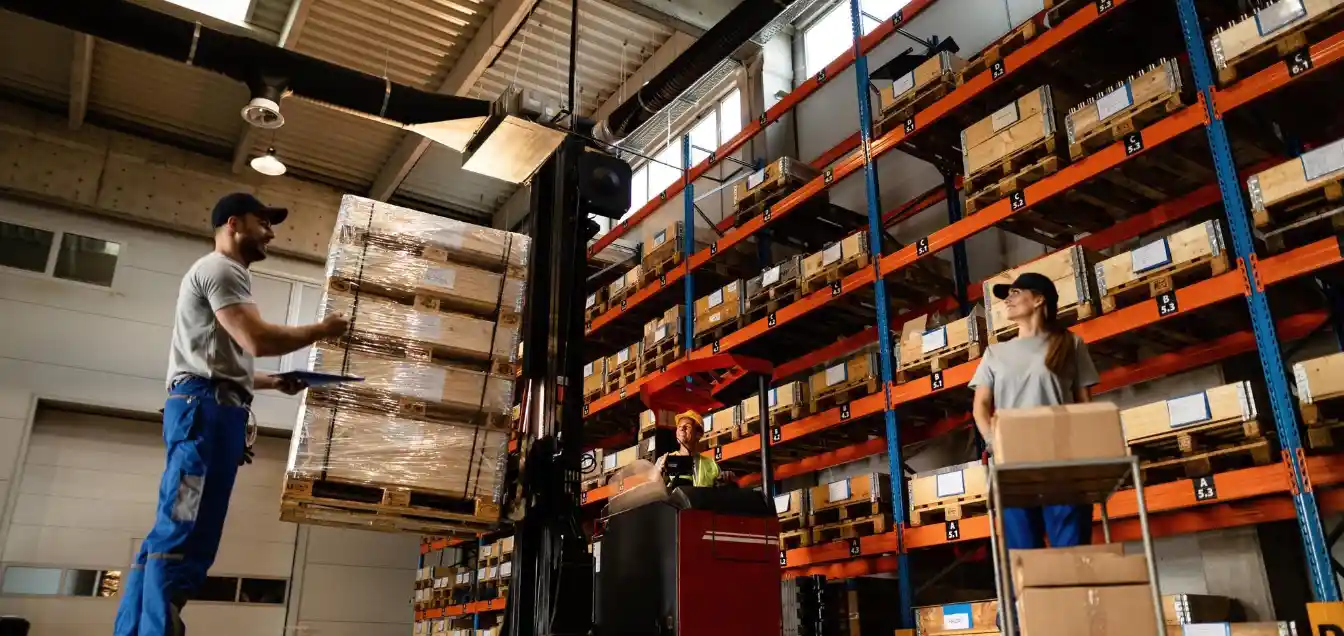
Before creating a fulfillment order, ensure your inventory is ready.
Tips for Inventory Preparation
- Label Products Accurately: Mislabeling can lead to delays or lost inventory.
- Check Stock Levels: Make sure you have sufficient stock to meet demand.
- Quality Control: Inspect products to prevent returns due to defects.
A real-life example: A seller using DelGate, one of the best fulfillment centers in Canada, reported a 30% reduction in shipping errors after implementing standardized labeling procedures.
Step 2: Access Amazon Seller Central
Log in to your Amazon Seller Central account. This is your hub for creating fulfillment orders, managing inventory, and tracking shipments.
How to Navigate Seller Central
- Click on the Inventory tab.
- Select Manage FBA Inventory.
- Choose the products you want to include in your fulfillment order.
Pro Tip: Use Amazon order fulfillment software to automate repetitive tasks and reduce errors.
Step 3: Create Your Fulfillment Order
Now comes the crucial step: creating the actual order.
Step-by-Step Guide
- Navigate to Fulfillment by Amazon > Create Fulfillment Order.
- Select the destination address.
- Enter the quantity of each product.
- Confirm shipping method (Standard, Expedited, or Priority).
- Submit your order.
Insight: For multi channel fulfillment order Amazon, you can ship items from your FBA inventory to other sales channels like Shopify or Walmart.
Step 4: Monitor and Track Orders
After submitting, monitoring your order ensures timely delivery.
Key Tracking Tips
- Use Tracking IDs: Amazon provides tracking numbers for each order.
- Monitor Status Updates: Track whether your order is being processed, shipped, or delivered.
- Automate Alerts: Many order fulfillment technology solutions offer real-time notifications.
Statistically, sellers who actively monitor fulfillment orders report a 15% improvement in on-time delivery rates.
Step 5: Optimize Your Fulfillment Strategy
To maximize efficiency, continuously refine your strategy.
Optimization Techniques
- Leverage 3PL Services: Outsourcing to a 3pl warehouse in Canada or using 3pl services in Canada can reduce costs.
- Analyze Data: Review amazon order fulfillment cost reports to identify savings.
- Consider Omnichannel Fulfillment: Using an omnichannel fulfillment company enables seamless retail and online integration.
Moreover, investing in retail fulfillment solutions helps streamline processes across multiple sales platforms, reducing errors and shipping times.
Case Study Example
A mid-sized Canadian e-commerce company partnered with DelGate for Canadian ecommerce fulfillment. By integrating FBA and DelGate’s warehousing solutions, they reduced shipping times from 5 days to 2 days on average and cut operational costs by 20%.
Common Mistakes to Avoid
Even experienced sellers can make mistakes.
- Incorrect Product Listings: Double-check SKUs to avoid misplacement.
- Ignoring Stock Alerts: Running out of inventory disrupts fulfillment.
- Overlooking Shipping Options: Choosing slower methods can hurt customer satisfaction.
Avoiding these pitfalls ensures your amazon order fulfillment process remains smooth and error-free.
Advanced Tips for Amazon FBA Sellers
- Integrate with Inventory Management Systems: Enhances real-time tracking.
- Batch Fulfillment Orders: Reduces shipping costs.
- Use Seasonal Forecasting: Predict demand spikes during holidays or sales events.
For example, sellers who forecasted holiday demand accurately saw a 25% increase in revenue during peak seasons.
Why Choosing the Right Fulfillment Center Matters

The fulfillment center you choose affects speed, cost, and customer experience. DelGate, recognized as the best fulfillment center in Canada, offers:
- Real-time inventory tracking.
- Optimized shipping routes.
- Seamless integration with Amazon FBA.
Choosing the right partner helps your business scale efficiently without compromising service quality.
Integrating Technology for Better Results
Investing in the right tools can revolutionize fulfillment operations.
- Amazon Order Fulfillment Software: Automates order creation, tracking, and reporting.
- Analytics Dashboards: Provides insights on fulfillment efficiency.
- Automated Alerts: Reduce late shipments and errors.
According to a 2023 Statista report, businesses using automated fulfillment software reduced shipping errors by 35%, highlighting the importance of integrating technology.
Conclusion
Creating a Fulfillment Order on Amazon FBA is more than just clicking a few buttons—it’s about strategic planning, accurate inventory management, and smart technology use. To successfully create a Fulfillment Order on Amazon FBA, follow a comprehensive 5-step process: preparing your inventory, accessing Seller Central, creating the fulfillment order, monitoring shipments, and continuously optimizing your strategy. This approach ensures your business delivers orders efficiently and keeps customers satisfied. Remember, leveraging reliable partners like DelGate and utilizing automation can significantly enhance your operations. In short, creating a Fulfillment Order on Amazon FBA and maintaining efficient fulfillment are the keys to e-commerce success.